Enter your league scores
Verify Dues & Enter League Scores →
New-league match preparation. Verify your registration email, then open your assigned match. Both Singles opponents or all four Doubles players must be paid for the current week and all earlier outstanding regular-season weeks. Weeks 1 and 2 must both be paid before starting.
Ready to record your match? Use the new-league scoring button here in Player Resources to check dues and continue to ADA scoring. You can find the full payment and scoring policy in your league rules. Need a hand? Contact Strike Force Darts for help.
Gate entries are recorded privately with the entering player, match, league, checked participants and Eastern-time timestamp. This logs gate access, not confirmed score submission inside ADA.
Playing in an existing league? The legacy scoring link serves leagues 122–131, including League 131 — Ladies. New Vegas and Economy players use the new-league scoring button above. Hope continues to manage these under the existing system until their seasons end. Legacy Players — ADA Scoring (122–131, including Ladies) →
Before you play
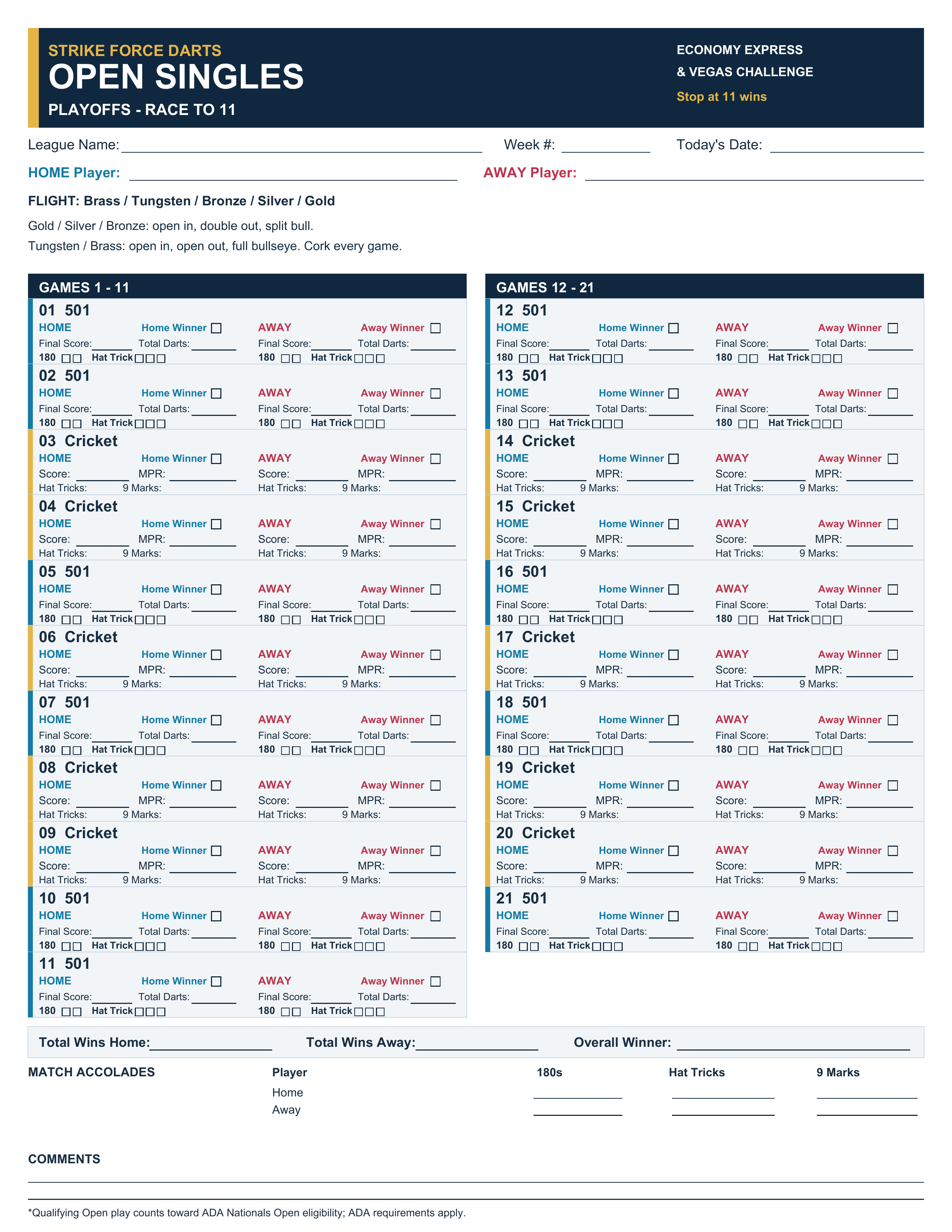
Use the sheet that matches your approved league format and scoring settings. The regular-season Cricket fields record the end score and MPR (marks per round).
These paper sheets support steel-tip and Granboard matches. Use your assigned scoring app and follow your league’s ADA reporting instructions.
Check flight settings and league formats →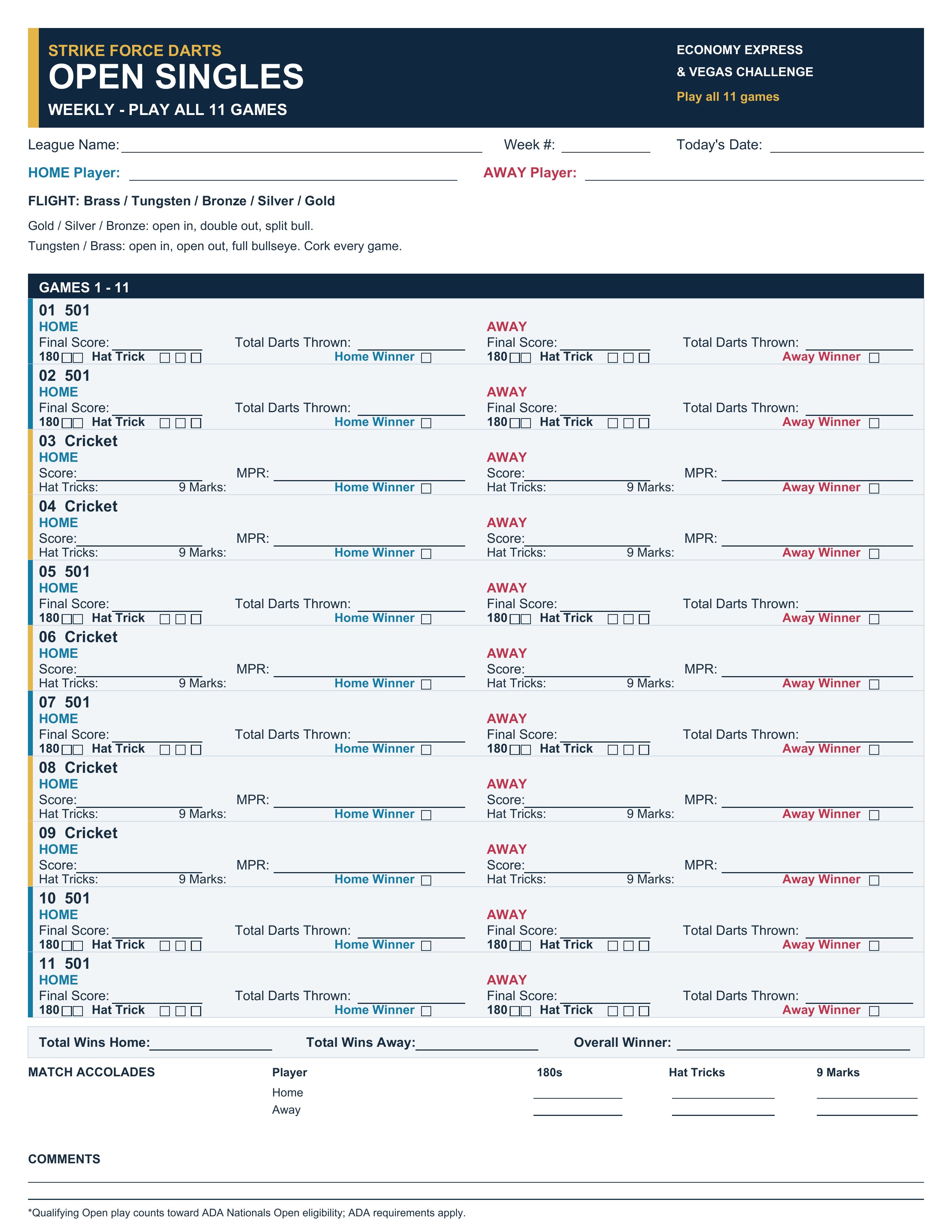 Fill & Save Online · PlayoffsRequired — complete and submit your match sheet